Official Version Download Center
Select your browser below to initiate the official version download for MetaMask. Ensure your connection to Web3 is safe, verified, and optimized for maximum performance.
Choose Your Platform
Choose Your Platform
Ensure you are installing the authentic MetaMask application by using the verified store links below.
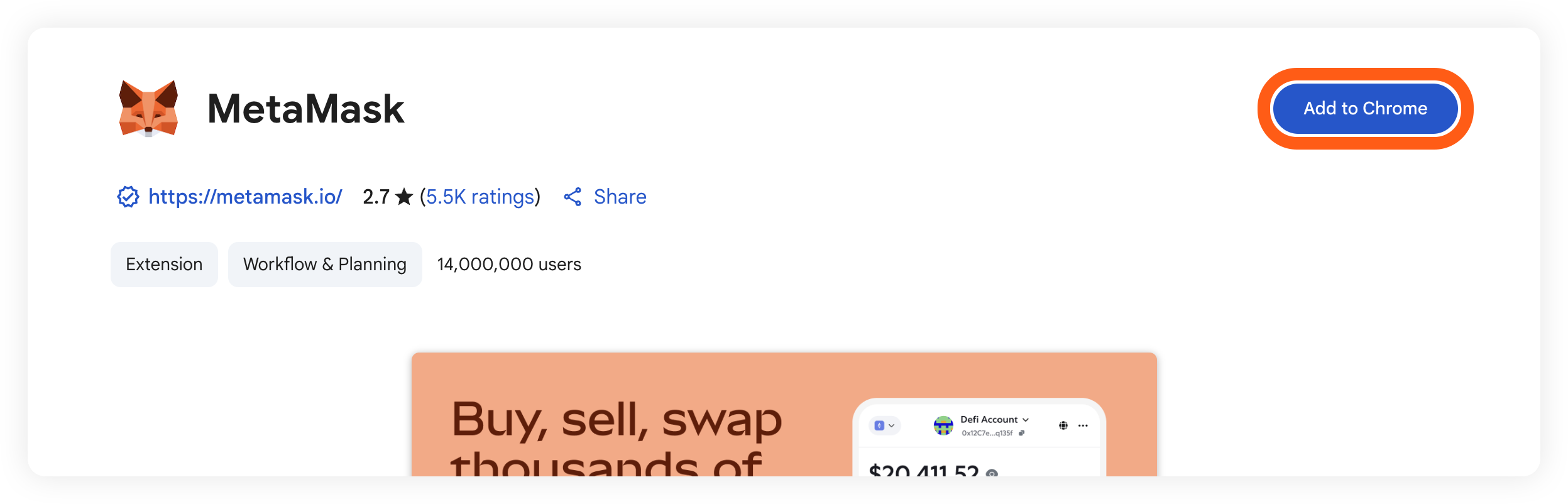
Google Chrome
Recommended for the best performance and widest DApp compatibility across all decentralized protocols.
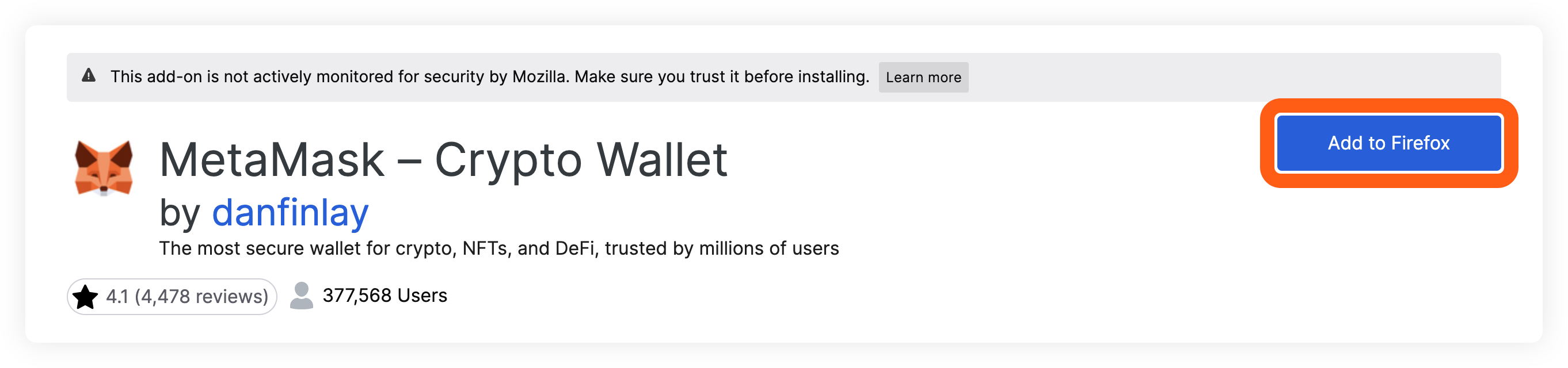
Mozilla Firefox
Secure extension package verified for Firefox users seeking privacy-focused browsing environments.
Microsoft Edge
Optimized extension specifically tailored for Windows and Edge browser performance standards.
Quick Installation & Setup
Select & Download
Click your browser above to navigate to the official store listing and start the download.
Confirm Permissions
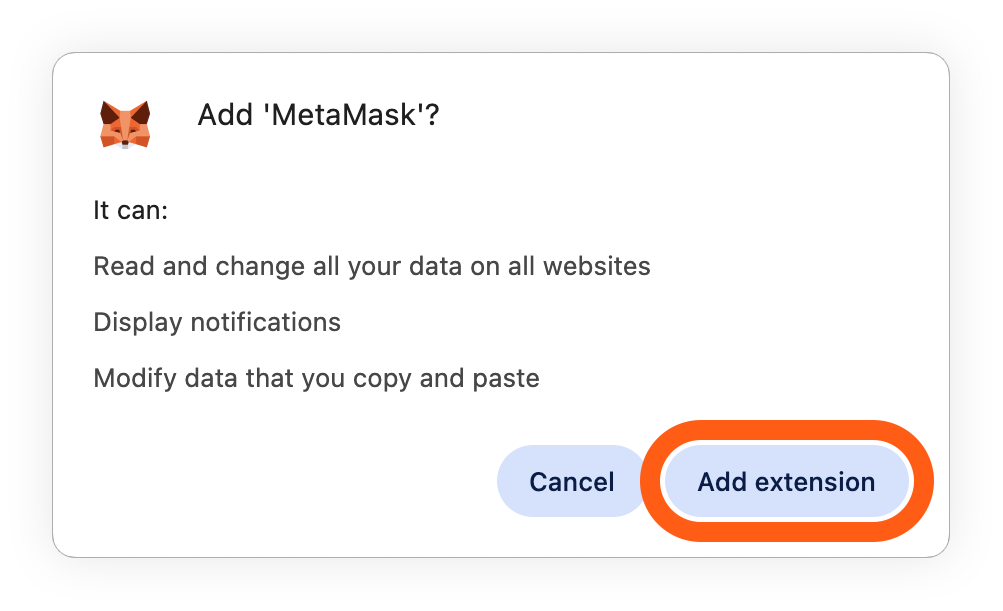
Review the requested browser extension permissions in the prompt and approve installation.
Pin & Secure Wallet
Pin MetaMask to your toolbar for instant access and follow setup prompts to safeguard your recovery phrase.